It's now easier to navigate deliveries

Updated 07/10/25
We're always making updates to improve your experience with Amazon Flex. Here are some key features we’ve updated in the app to give you more information and control when you’re delivering.
Improved maps feedback
It’s now easier to submit navigation feedback in the Amazon Flex app, which helps us continually improve maps for you and your fellow delivery partners. If you spot something that needs to be updated, tap the flag icon on your map. You can then pinpoint the change needed and submit your feedback directly through the app. Once we’ve reviewed your feedback, we’ll send you a message in the “Updates” section.
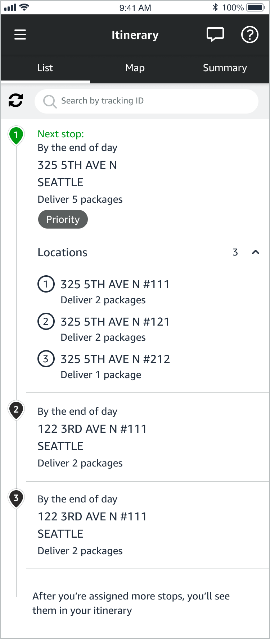
More detail for grouped stops
Grouped stops are stops with more than one delivery location, such as multiple apartments within the same complex. You now have more visibility into updated details that show the number of locations you need to visit and each location’s address within your “Itinerary List” in the Amazon Flex app. As you approach a grouped stop, the app will also display pins on your map for all delivery locations within the stop. This helps you more easily determine the best place to park to make your deliveries.
More precise navigation
Navigation in the Amazon Flex app now begins at your precise parking location, rather than the street closest to your last pickup or delivery location. You’ll also see a new parking icon that indicates the direction your vehicle is facing. These updates can help you save time when you’re delivering.
Related Blog Posts

Thank My Driver is back!
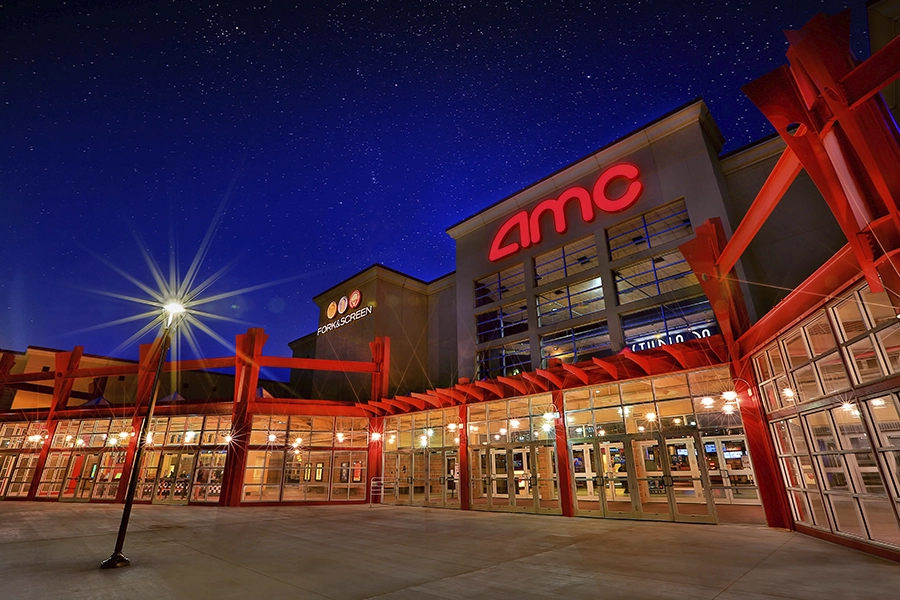
Delivery partners can save at AMC Theatres

Thank you for 10 years of Amazon Flex
Download the Amazon Flex app
Create an account to set your schedule, see your earnings upfront, and start delivering with confidence.